Sell anywhere.
Use the same POS at every location.
StoreTrade showEvent
Keep your existing webshop at the heart of your business. Sell in-store and at trade shows with connected products, inventory, customers and orders.
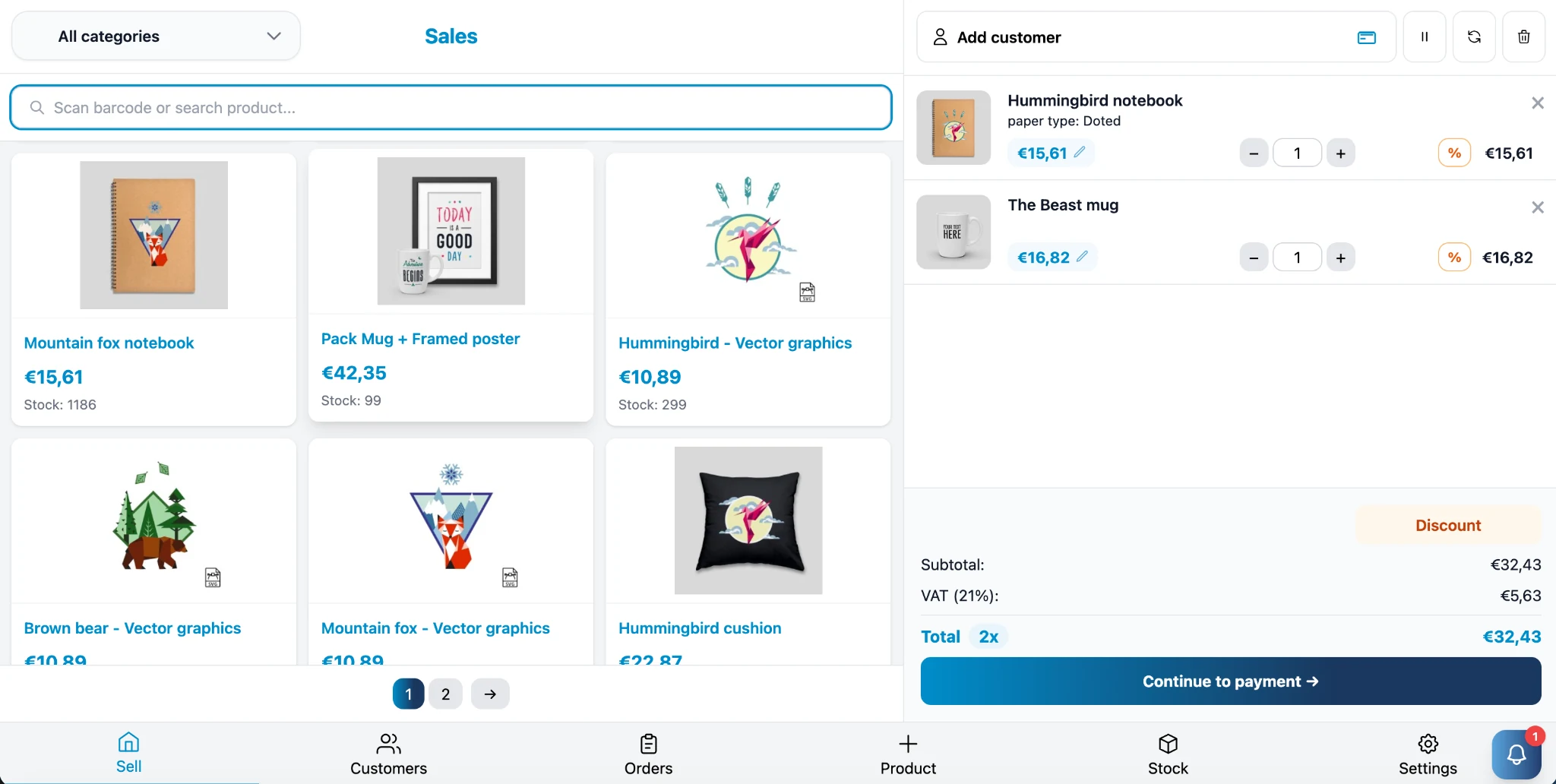
Run your physical retail sales from one system.
Use the same POS at every location.
Products, customers, orders and inventory stay in sync.
Everything your retail team needs, designed to work fast.
Easy for your team. Simple to use. Clear for your customer.
PrestaShop or Magento directly connected to your in-store POS. One source of truth for products, inventory, customers and orders.
Keep store and webshop stock in sync. Count with a scanner and easily adjust quantities.
Card, cash, QR, invoice, gift card and split payments: choose what suits your customer.
View revenue, bestsellers, discounts, payment methods and current inventory. Export your reports.
View purchase history and customer details. Use customer groups and their associated prices.
Accept webshop returns in your store and automatically restore stock.
Show the cart live on a second screen and let customers enter their email address for the receipt.
Use the same gift card balance online and in store. With PLUS, customers can also earn and redeem loyalty points.
There is no need to switch webshop platforms. Tajriba POS connects to your existing PrestaShop or Magento webshop, keeping products, inventory, customers and orders linked.
We can provide your complete retail setup: online store, POS system, configuration, hardware and installation.
Tajriba POS is a great fit for:
Tajriba POS works with equipment including:
No POS hardware yet? We can help you select and install a complete checkout setup.




Connect your payment terminal through Mollie, PAY., SumUp, myPOS, Adyen, CCV or Stripe.
Leave your details. We will contact you to send you the demo.
Feel free to get in touch. We're happy to help with questions about the software, hardware or installation.